
OpenVPN - Create a new OpenVPN user
To follow this guideprocedure you should haveneed administrative access to the OPNSense firewall.
Create user
Go
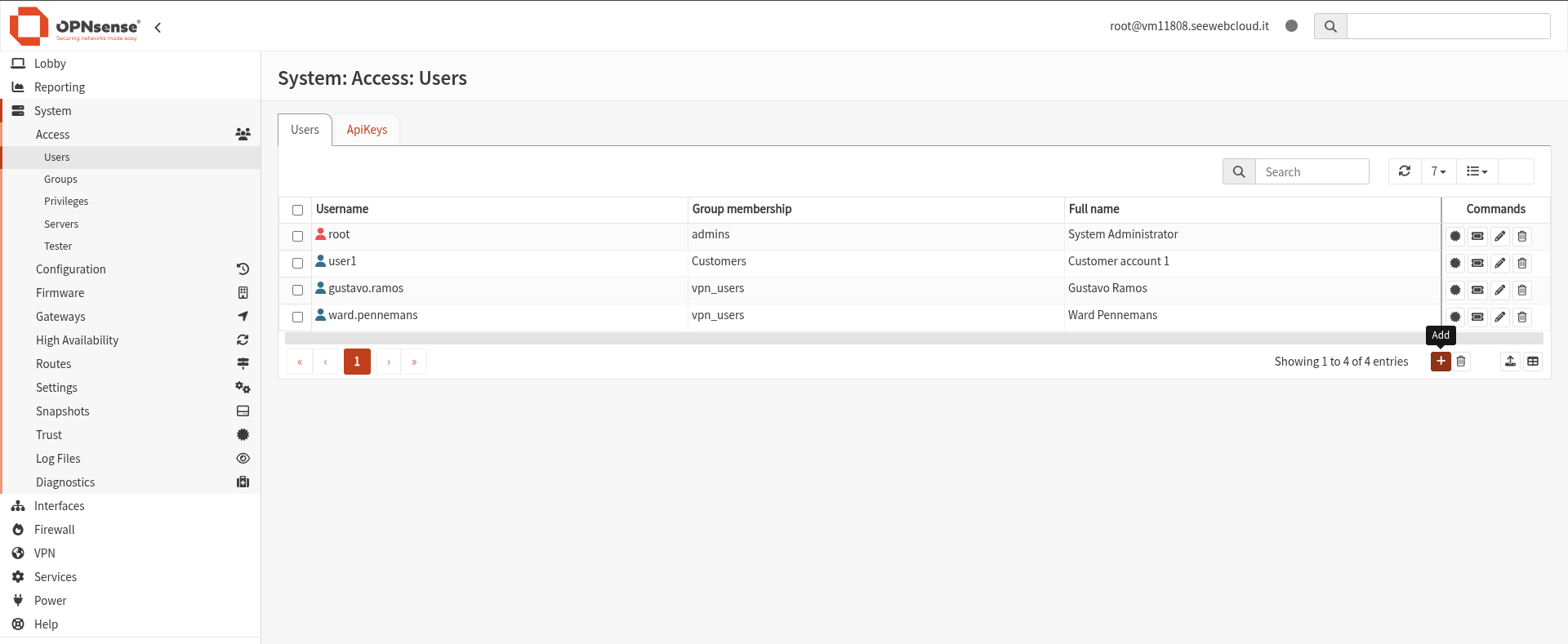
ItThis openswill a window which containsopen a form thatwhere weyou can configure the new user.
Configure User Details
Fill in the required fields:
These credentials will fillbe withused by the user datato anconnect to the credential that the user will use to connect.VPN.

It's fundamental to add the user to the vpn_users group under Group membershipmembership.
Without this step, the user will not be able to access the VPN.